QBO Update: What you need to know
Blog post description.
Hunter Reynolds
10/1/2025

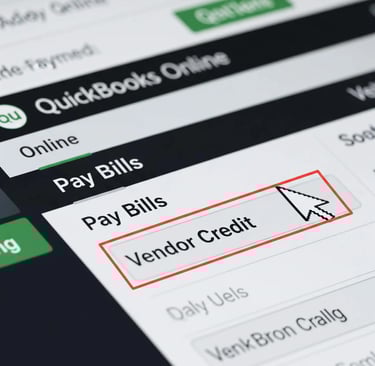
QuickBooks Online Update: What Small Business Owners Need to Know
QuickBooks Online is getting a major update on October 1, 2025. Here’s what small business owners need to know to stay on top of their books.
Key Changes
1. New Interface
The updated layout is now the default.
Your data stays the same, but menus and workflows look different.
Customize your “My Menu” for quick access to your most-used tools.
2. Smarter Bank Feed
Edit categories, vendors, and classes directly in the feed.
Improved matching and AI suggestions save time on reconciliation.
Add comments and track follow-ups with a centralized “Request List.”
3. Mobile “Quick Sale” Feature
Accept one-time payments directly from the mobile app without creating an invoice.
Perfect for in-person or on-the-go sales.
4. Easier Collaboration with Accountants
Invite your accountant via firm ID for smooth access and fewer email hassles.
Why It Matters
Streamlines bookkeeping and reconciliation.
Gives better insights to make smarter business decisions.
Prepares your business for the future—old interface will no longer be supported.
What You Should Do Today
Explore the new layout to familiarize yourself.
Review your bank feed and transactions.
Update mobile app to try the new Quick Sale feature.
Let your accountant know about the changes.
Bottom line: The October 1 update makes QuickBooks Online faster, smarter, and easier to use for small business owners. A little time now learning the new interface will pay off in smoother bookkeeping and smarter decisions.